Sitecore Content Serialization (SCS) - Commands explained
Sitecore Content Serialization(SCS)
Sitecore Content Serialization (SCS) is a system for serializing, sharing, and deploying content items, as well as keeping them in version control.
Installation
To use SCS, we need to install the Sitecore CLI first.
Open Powershell/Command Prompt as Administrator.
Change Directory to your project folder.
cd C:\Path\to\your\project-folderRun the below commands:
dotnet new tool-manifestdotnet tool install Sitecore.CLIdotnet sitecore initThe files needed for the Sitecore Content Serialization will be initialized with the above commands. Run
dotnet sitecore -hordotnet sitecore --helpto verify if the installation has succeeded. The command should print something as below: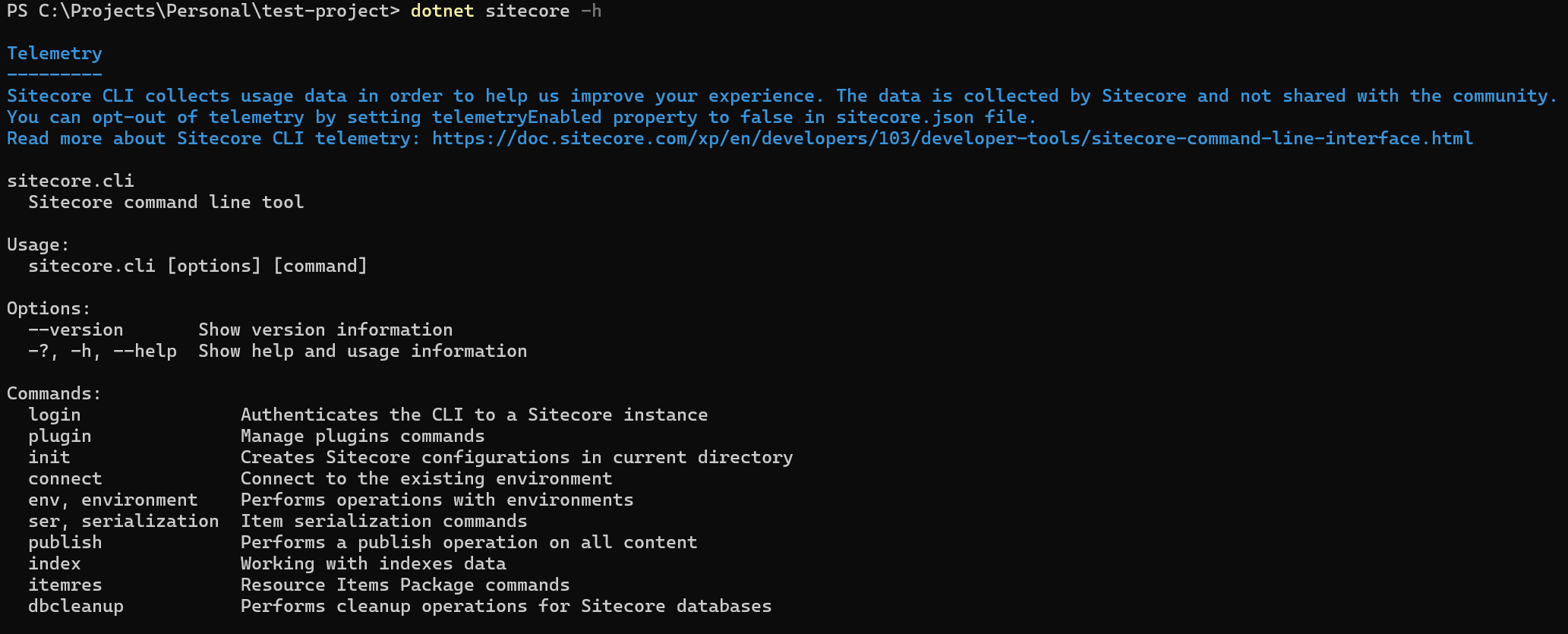
You can create [Layer].[Name].module.json files for your each project as per your requirements to serialize your items.
Login Command
The login command is used to authenticate the CLI to a Sitecore instance.
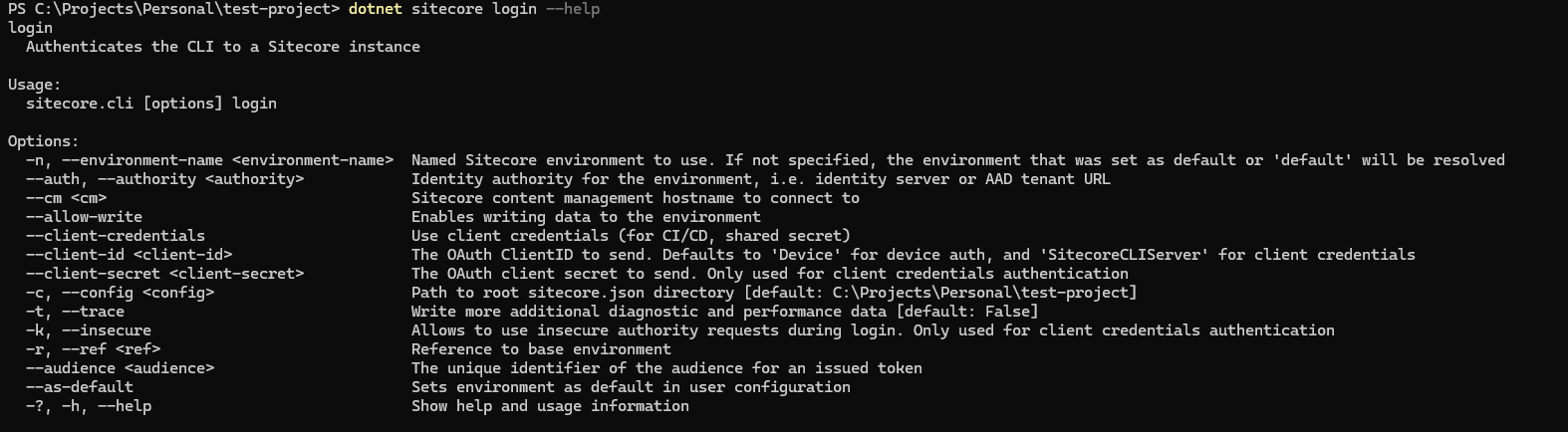
If you already have configured the CLI, you would use the command directly:
dotnet sitecore loginOtherwise, you would have to pass it the Content Management and Identity Server URLs:
dotnet sitecore login --cm "https://<cm.instance.url>" --auth "https://<id.instance.url>"You can also use the client-id & client-secret, for OAuth logins. And you can use client-credentials for your CI/CD.
Serialization Commands
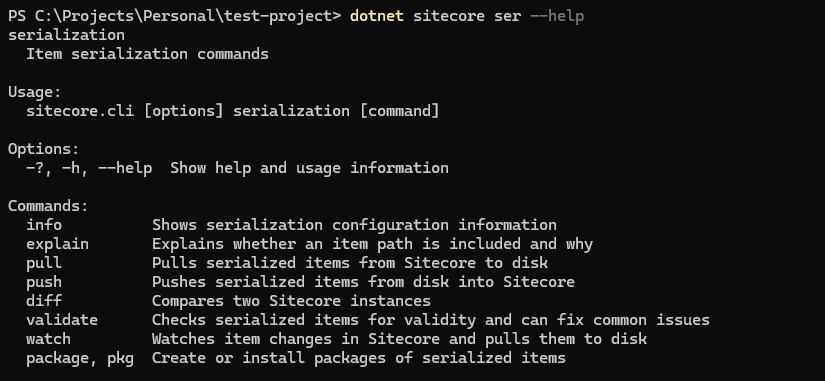
1. pull command
The pull command can be used to pull items from your Sitecore instance to your solution.
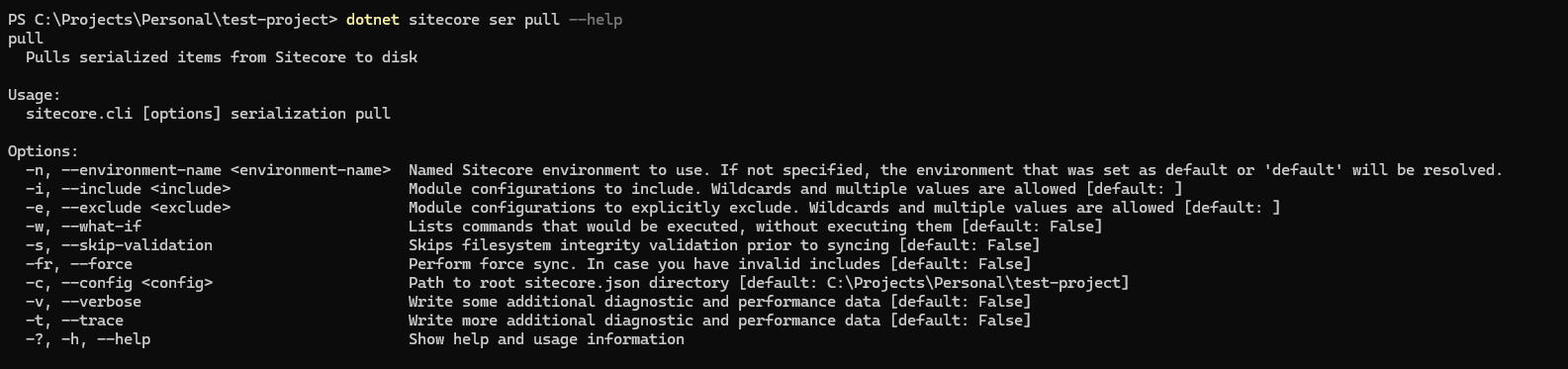
To simply pull all configured items from Sitecore, you can run:
dotnet sitecore ser pullTo check what all items will be pulled on running the command, i.e. perform a dry run, you can use the --what-if option.
dotnet sitecore ser pull --what-ifYou can use the -i or --include and -e or --exclude options, to include, exclude modules while pulling.
To pull all items related to the Article Feature, you would use:
dotnet sitecore ser pull -i "Feature.Article"To pull all items excluding the Project layer, you would use:
dotnet sitecore ser pull -e "Project.*"To pull all Foundation layer items:
dotnet sitecore ser pull -i "Foundation.*"
2. push command
The push command can be used to push items from your solution to your Sitecore instance.
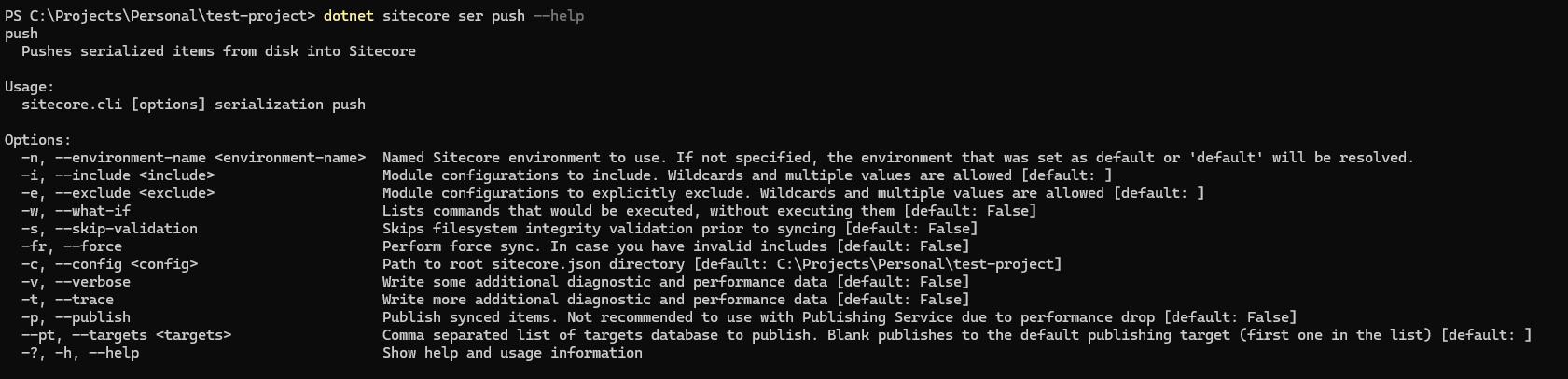
To simply push all serialized items to Sitecore, you can run:
dotnet sitecore ser pushTo check what all items will be pushed on running the command, i.e. perform a dry run, you can use the --what-if option.
dotnet sitecore ser push --what-ifYou can use the -i or --include and -e or --exclude options, to include, exclude modules while pushing.
To push all items related to the Article Feature, you would use:
dotnet sitecore ser push -i "Feature.Article"To push all items excluding the Project layer, you would use:
dotnet sitecore ser push -e "Project.*"To push all Foundation layer items:
dotnet sitecore ser push -i "Foundation.*"
I will be writing more about the other commands, you can check all my posts related to Sitecore Content Serialization here.